

Rolly and brand knowledge
Teach Rolly your brand voice and let it draft your posts
12 articlesUpdated Nov 2, 2026
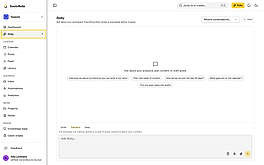
- Ask Rolly about your brandAsk Rolly about your brand's analytics, content calendar, posts and comments. Anything Rolly wants to change shows as a preview before it saves.5 min read
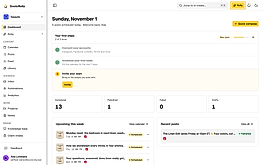
- Draft your posts with RollyRolly writes your posts in your brand voice and shows them to you first. You edit them, apply the ones you keep, and they save as drafts.6 min read
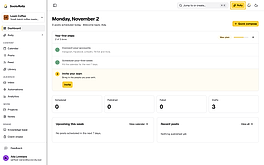
- Teach Rolly your brand voiceRolly interviews you about your brand and saves your answers to your Knowledge base, so the posts it writes sound like your brand.4 min read
- Attach your files to RollyAdd photos, PDFs and spreadsheets to your message so Rolly can read them, such as a photo to caption or a brief to turn into posts.4 min read
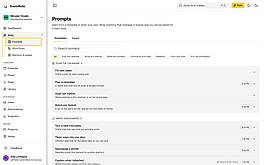
- Save your prompts to reuse with RollySave the prompts you send Rolly often, with blanks for what changes, such as the client or the month. Fill in the blanks and send.5 min read
- Choose who can read your Rolly chatsThe workspace owner can read your Rolly chats, and so can teammates given shared chats. Make a chat private so only you can see it.4 min read
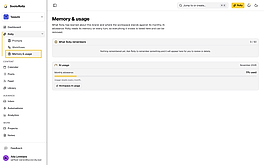
- See and delete what Rolly remembersSee the facts Rolly keeps about your brand from your chats, and delete any that are wrong.3 min read
- Check how much of your AI allowance is leftSee how much of your workspace's monthly AI allowance is used, who used it, and how to buy more when it runs out.4 min read
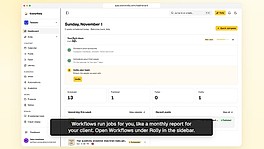
- Set up your workflow from a templateStart from a ready-made workflow, such as a monthly client report. Fill in what's missing, then turn it on so it runs by itself.5 min read
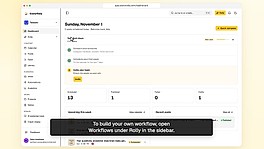
- Build your own workflowPick what starts your workflow, add the steps it runs, such as a report and an email to your client, and choose who approves them first.7 min read
- Run your workflow and check what it didRun your workflow by hand, see what each step did, and approve a step that's waiting for you, such as an email to your client.5 min read
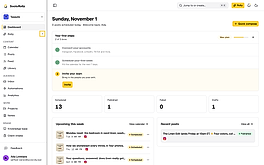
- Fix your workflow when a run failsFind the step that stopped your workflow, read what went wrong, fix it and run your workflow again.5 min read
Other topics
- Getting started5 guidesSet up a brand and publish your first post
- Client onboarding11 guidesTake a client from first call to an active retainer
- Creating and scheduling5 guidesGet each post ready and plan when it goes out
- Clients and approvals5 guidesGet client sign-off, their accounts and their brand details
- Inbox and automations5 guidesAnswer messages, comments and mentions, and let automations reply for you