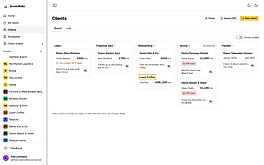

Client onboarding
Track clients from lead to active, then send each new client one link that walks them through signing, paying, the intake and the kickoff. Clients, templates and the onboarding hub come with the Pro and Max plans.
11 articlesUpdated 16 Oct 2026
- Add a clientTrack a client from lead to active, and import the ones you already have from a CSV.6 min read
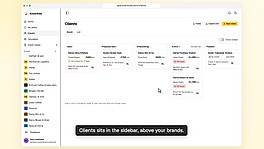
- Add your own client fieldsKeep the details your agency tracks on every client record, and use them as list columns.4 min read
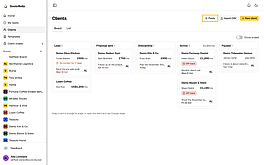
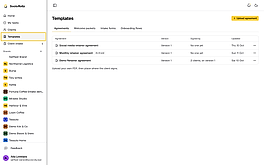
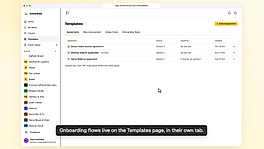
- Set up your onboarding templatesUpload the agreement clients sign, add your welcome packet and pick the intake form your onboarding flows use.4 min read
- Build an onboarding flowChoose the steps a new client works through, from signing and paying to the kickoff call and strategy.4 min read
- Run a pre-sale audit and take call notes with RollyCompare a lead's Instagram with a competitor's, and let Rolly turn a call transcript into notes.5 min read
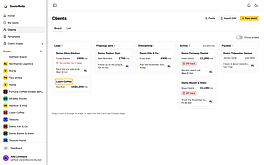
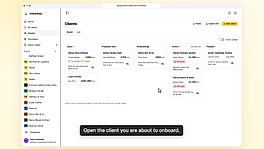
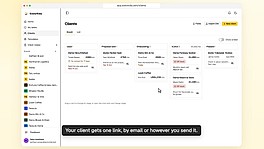
- Start onboarding and send the hub linkPick an onboarding flow and the first invoice, and your client gets one link that walks them through every step.4 min read
- What your client sees in the onboarding hubYour client signs, pays, reads your welcome packet, fills in the intake, connects accounts, books the kickoff and approves the strategy, all from one link.7 min read
- Confirm payments, review intake answers and handle changesThe steps in a client's onboarding that wait on you, and where to act on each one.4 min read
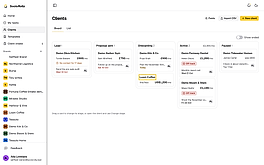
- Draft the strategy with Rolly or send your ownRolly drafts a month of content from the calls, the intake and the deal, and you edit it before your client sees it.3 min read
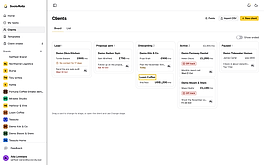
- When onboarding is completeThe client's link becomes their portal for approving posts, and you move them to Active.3 min read
- Track each client's onboardingSee where every client is in their onboarding, what waits on you, and the notifications each step sends.2 min read