
Clients and approvals
Hold posts until a client approves them and follow up on the ones still waiting. Clients can also see your calendar, connect their own accounts from a link and answer a questionnaire about their brand, all without a SocioRolla account. These come with the Essential, Pro and Max plans.
5 articlesUpdated 16 Oct 2026
- Send a post for client approvalHold a scheduled post until your client approves it from a link, with no account needed.5 min read

- Follow up on posts waiting for approvalSee which posts are still waiting for sign-off, what happens when one misses its time, and how to approve it late.4 min read
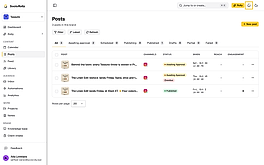
- Share your calendar with a clientGive a client a link to your brand's calendar, where they can read, comment on and approve posts without an account.3 min read

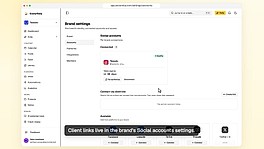
- Let a client connect their own accountsSend a client a link to connect their social accounts to a brand without sharing a password, then approve each one.5 min read
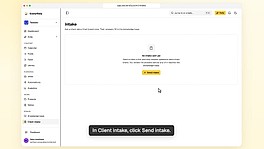
- Send a client intake and review the answersSend a client a questionnaire about their brand, then check each answer before it goes into the brand's knowledge base.5 min read