





For agencies
Onboard clients, plan, schedule, get approvals, publish and track results, all from one place.


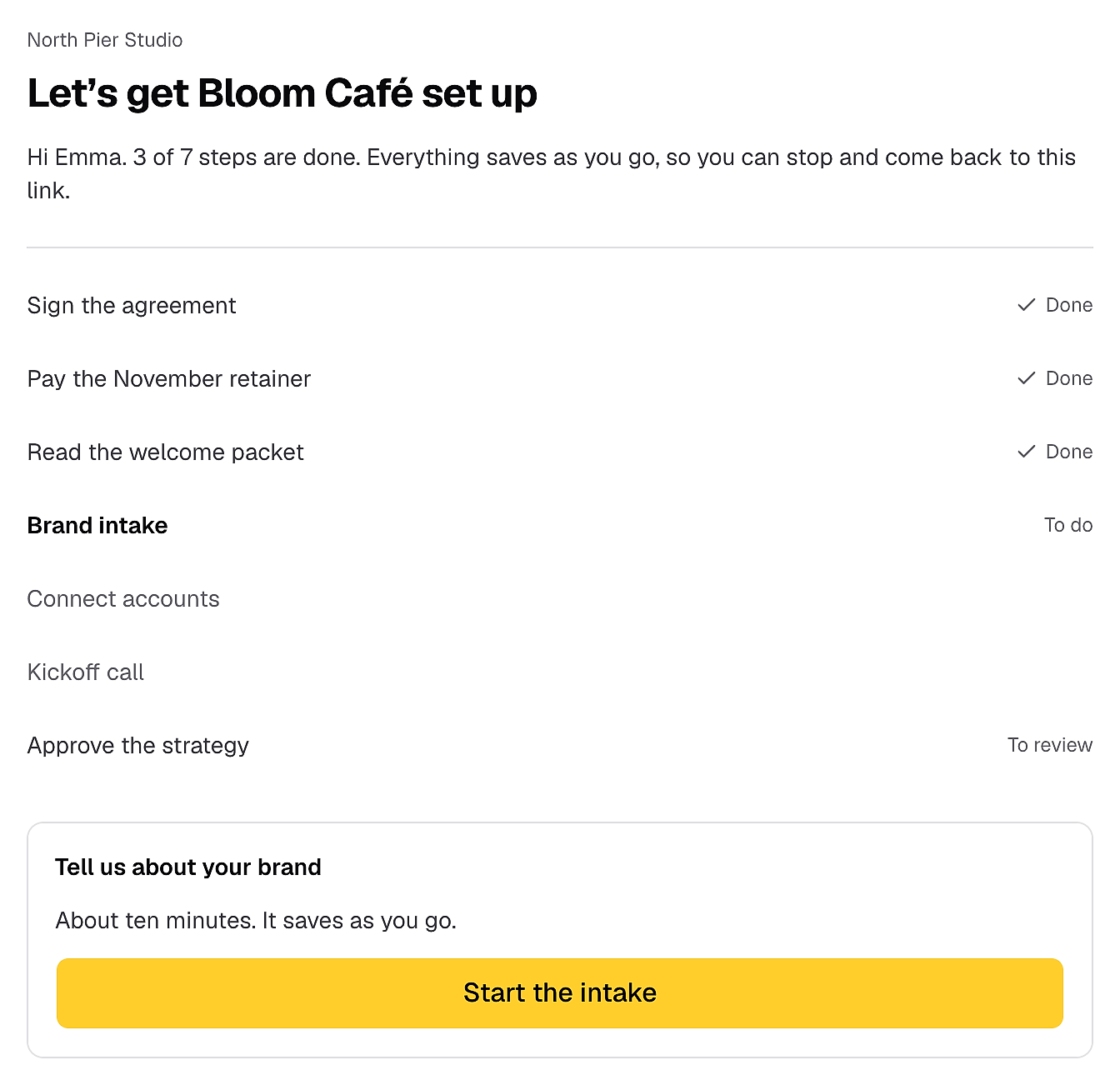
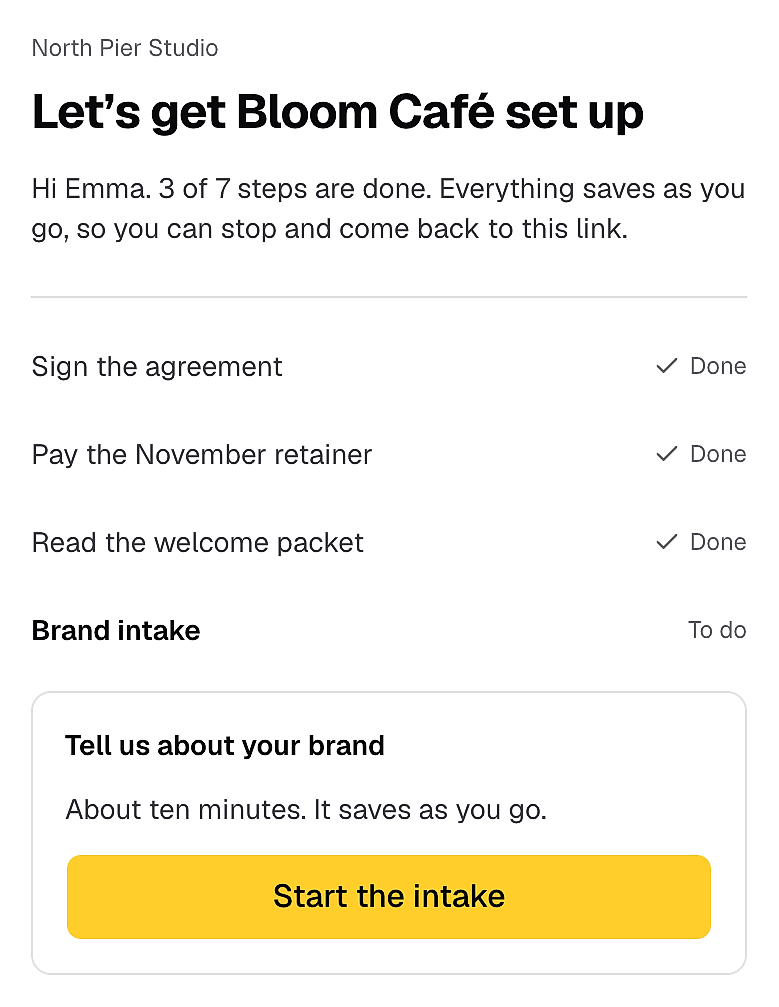
Stop sending your contract, first invoice and onboarding form in three separate emails. New clients sign, pay and fill in their details from one link, so you can start work sooner.
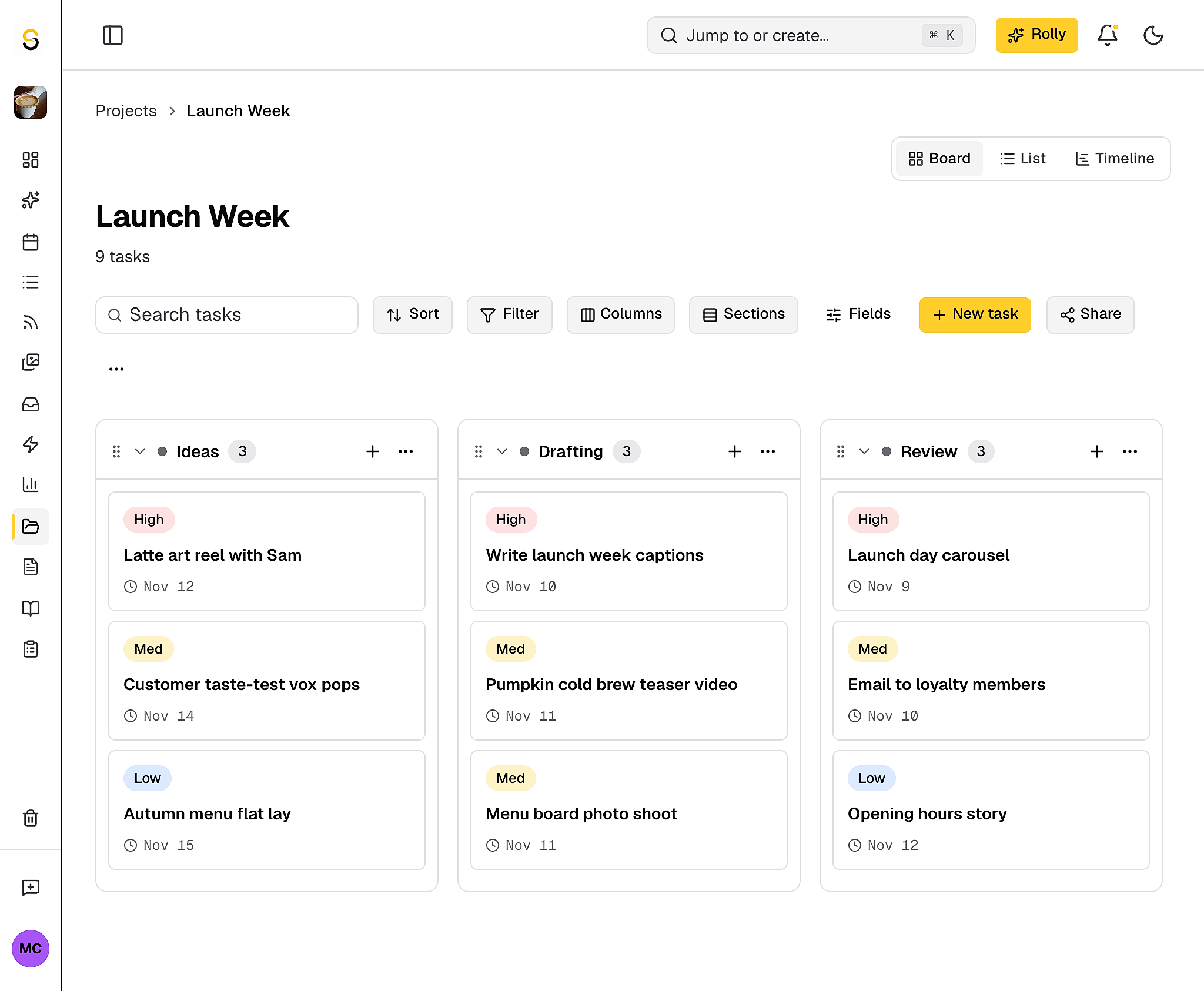
Whether you're preparing for a campaign or a batch create session for the coming week, you can plan all your posts on the calendar or project board without copying and pasting them before you schedule.
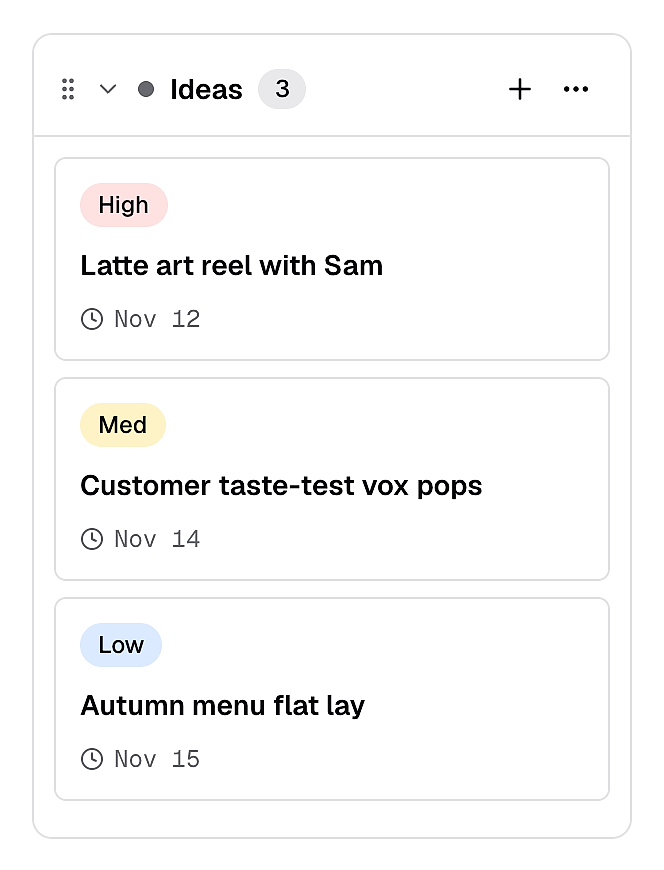
No more chasing approvals across email and WhatsApp. Tag a team member to give approval or send one link to your clients and they approve or comment right on the post, without creating an account.
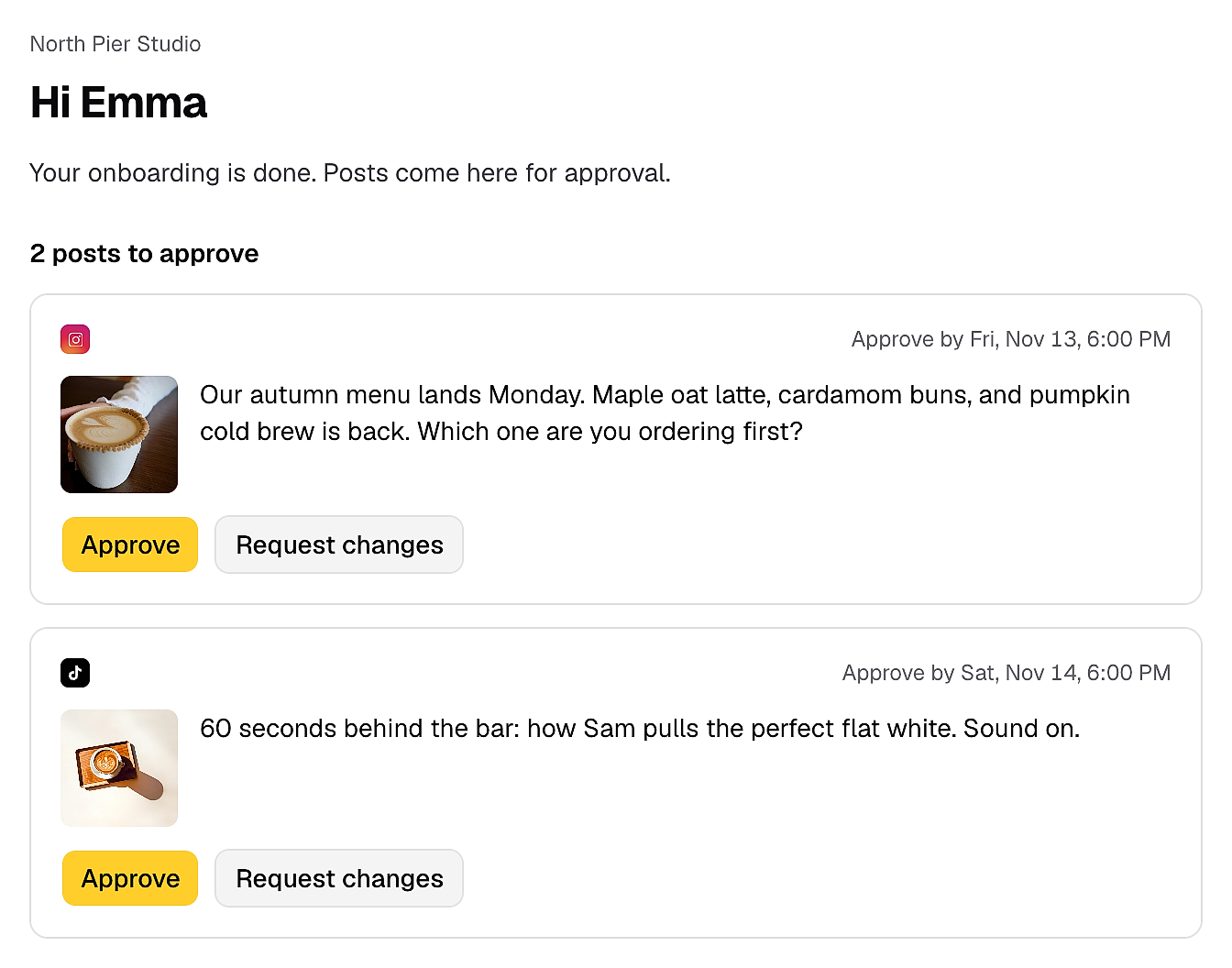
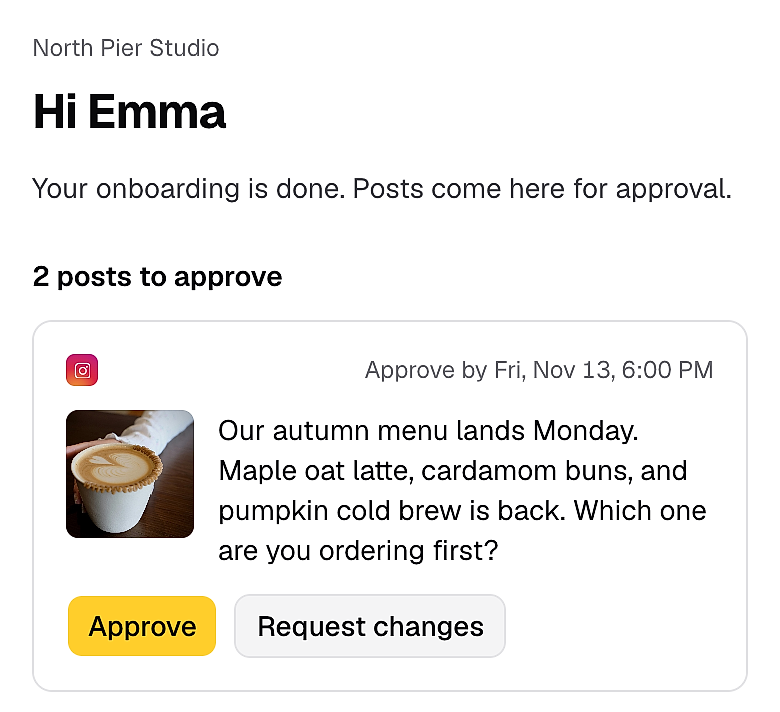
Post to all your platforms without logging in to each app. Pick a different time for each platform, and if one post fails, the others still go out.
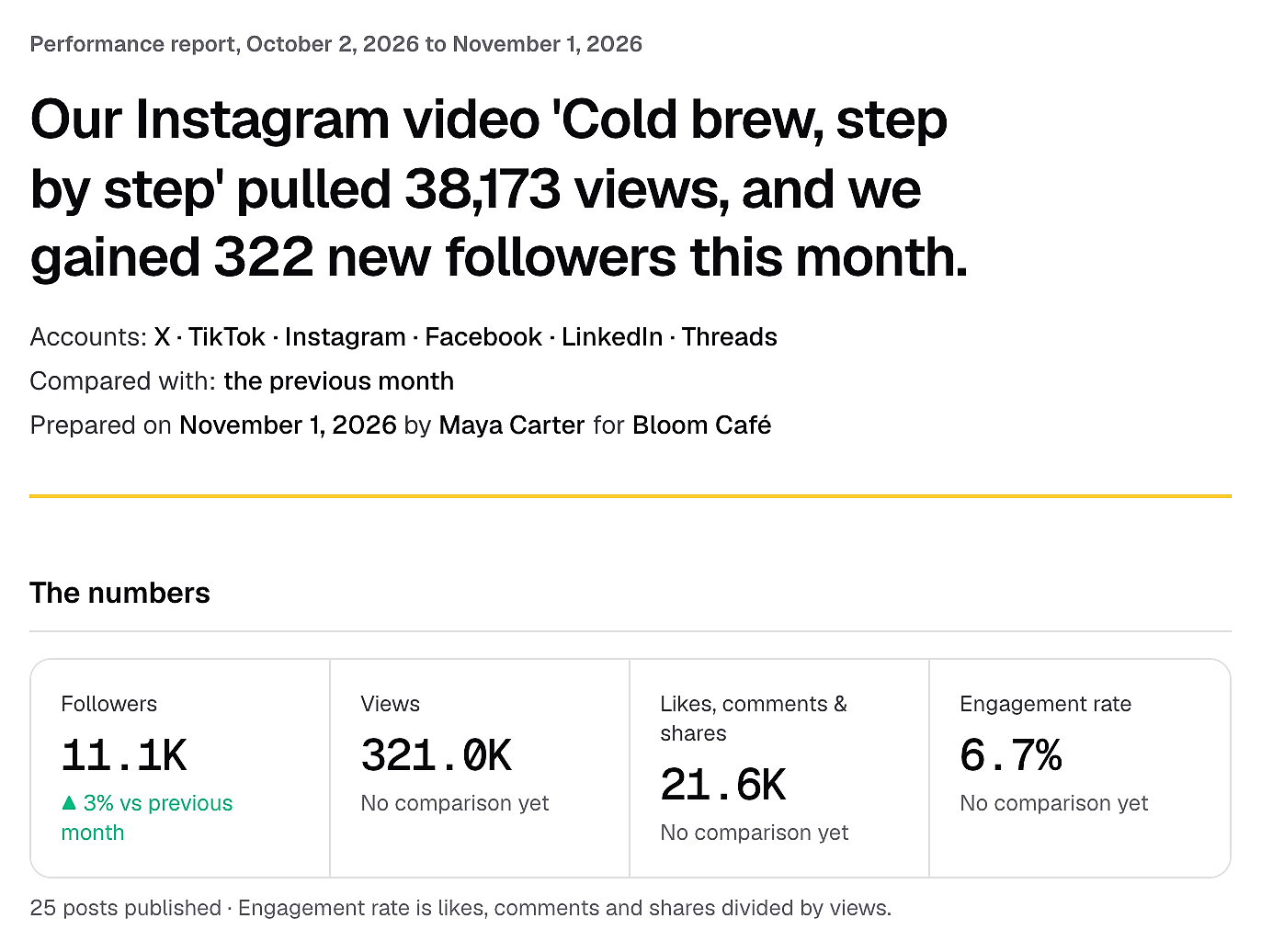
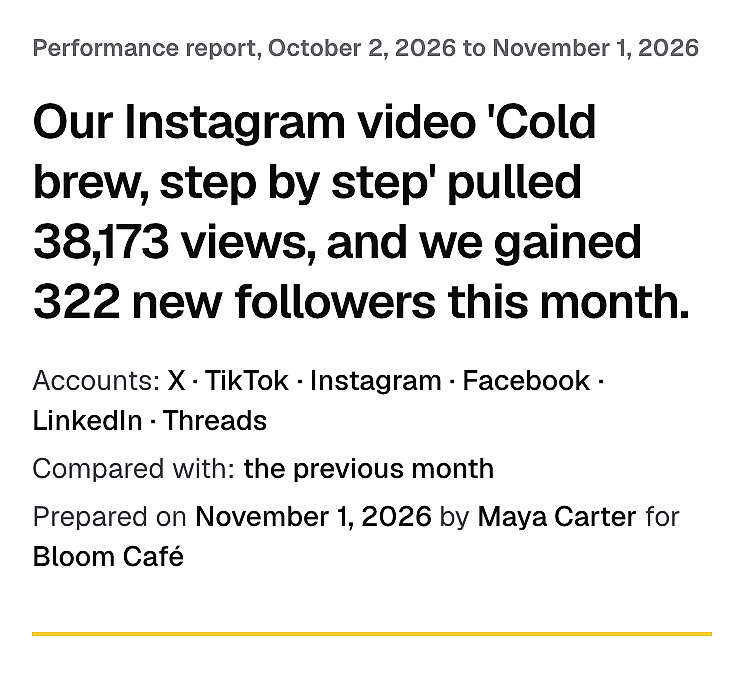
Stop screenshotting numbers into slides every month. Send clients a report link they can open on their phone, with their best posts already picked out and action plan for the next month.
Stop rewriting AI captions that sound nothing like your brand. Rolly learns your brand voice, so you can draft a week of posts or generate content ideas in one sitting instead of doing it one by one every day.
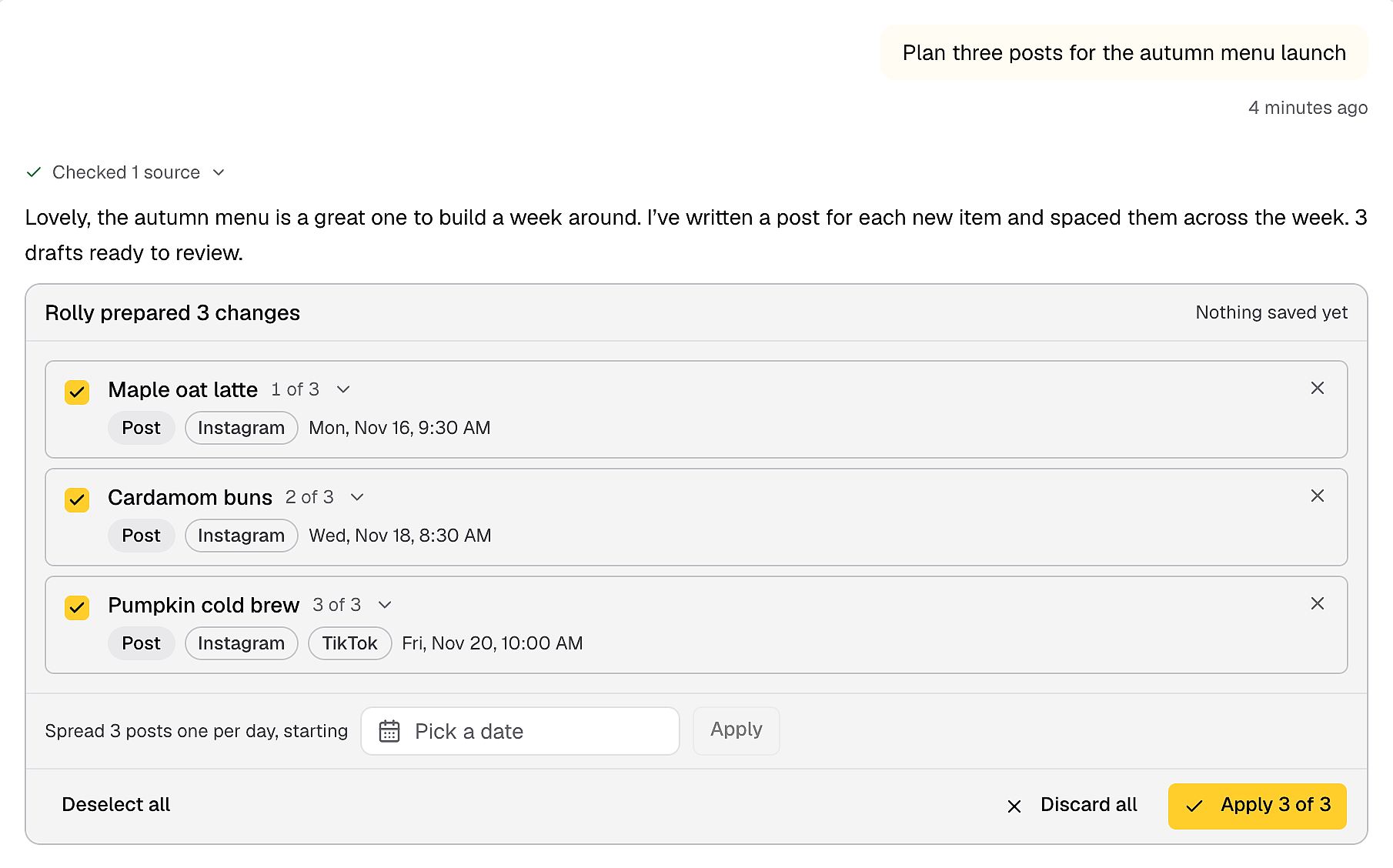
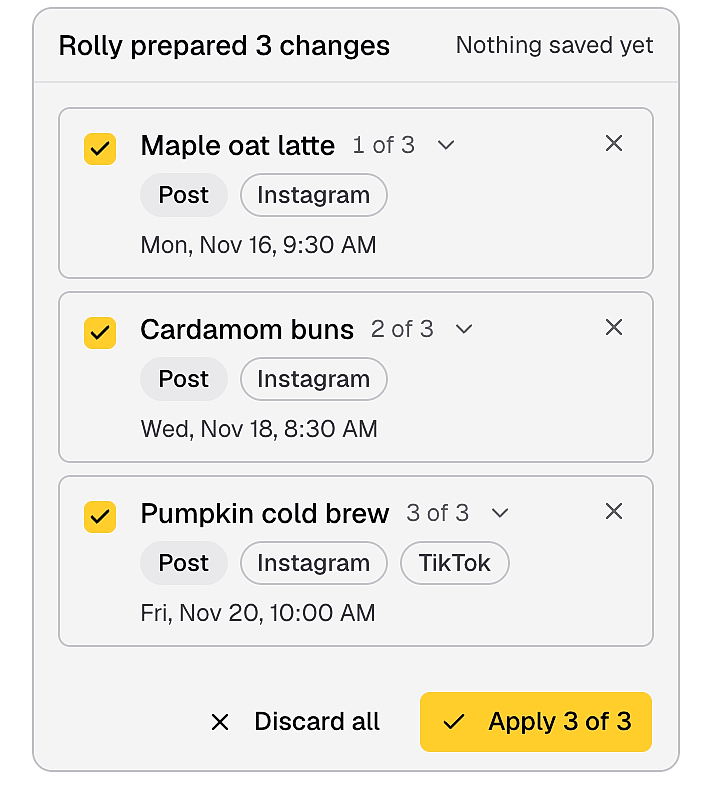
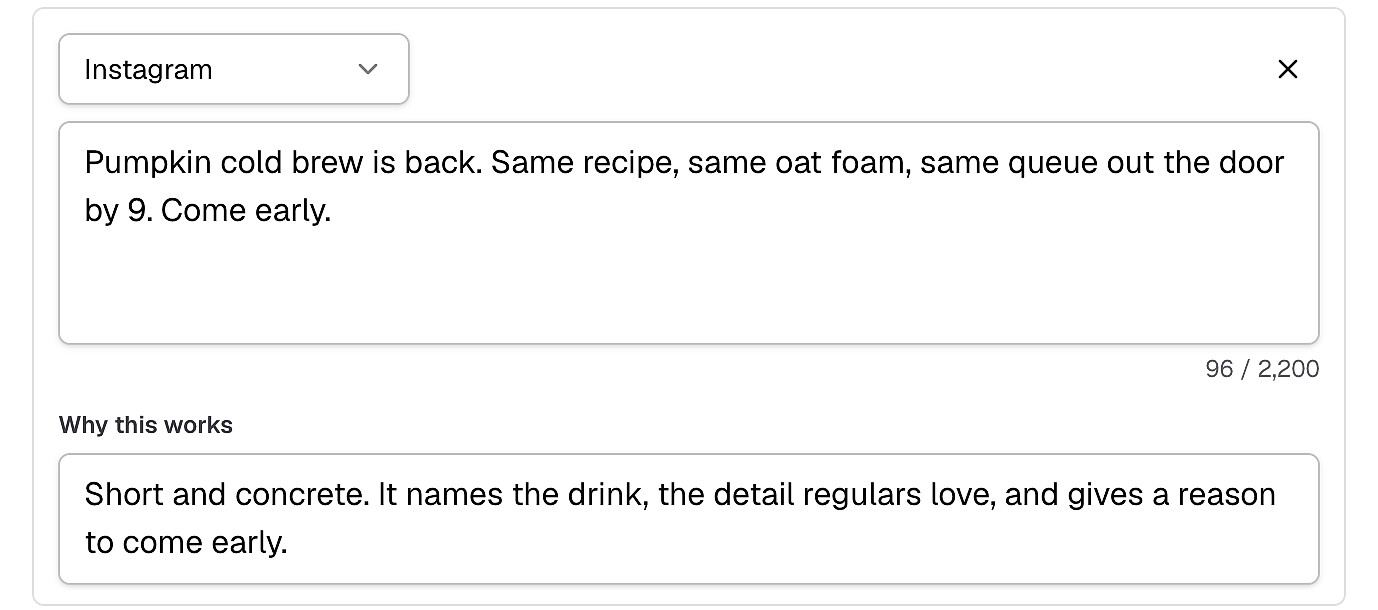
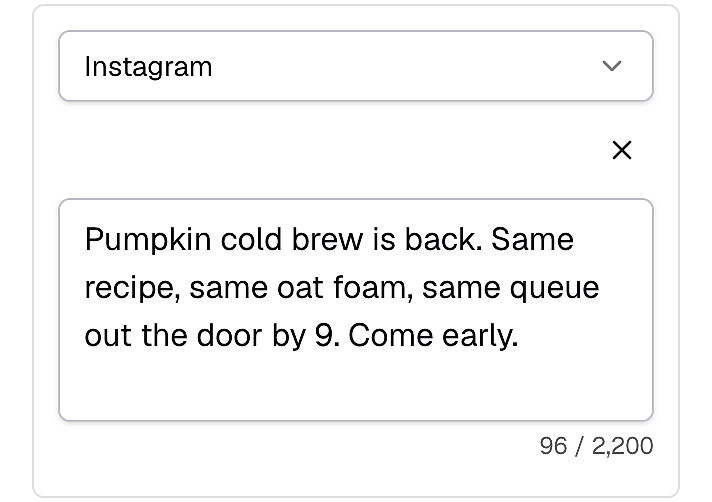
No more editing generic AI captions. Rolly writes from your brand voice, audience and products, so drafts sound like you.
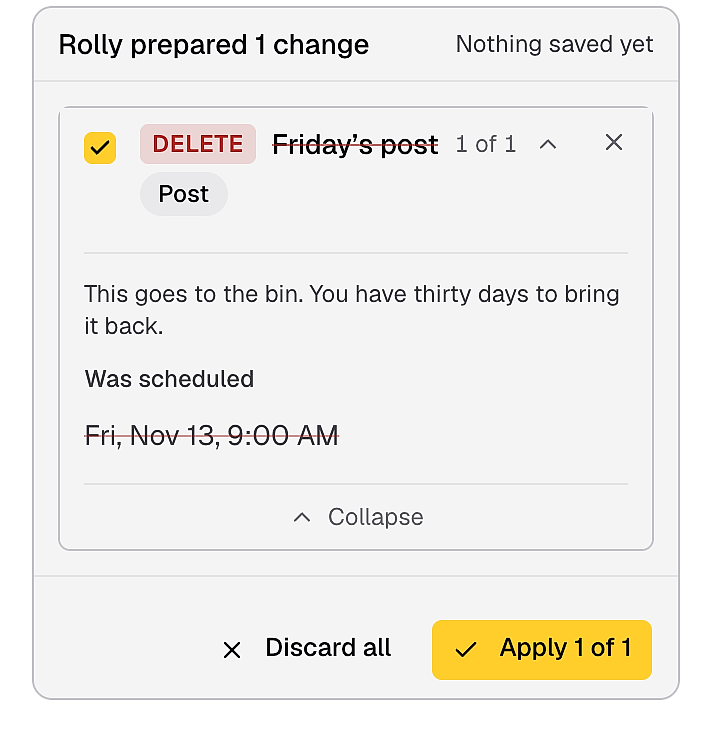
Nothing changes in your account until you approve it, and you can undo any change for 30 days.
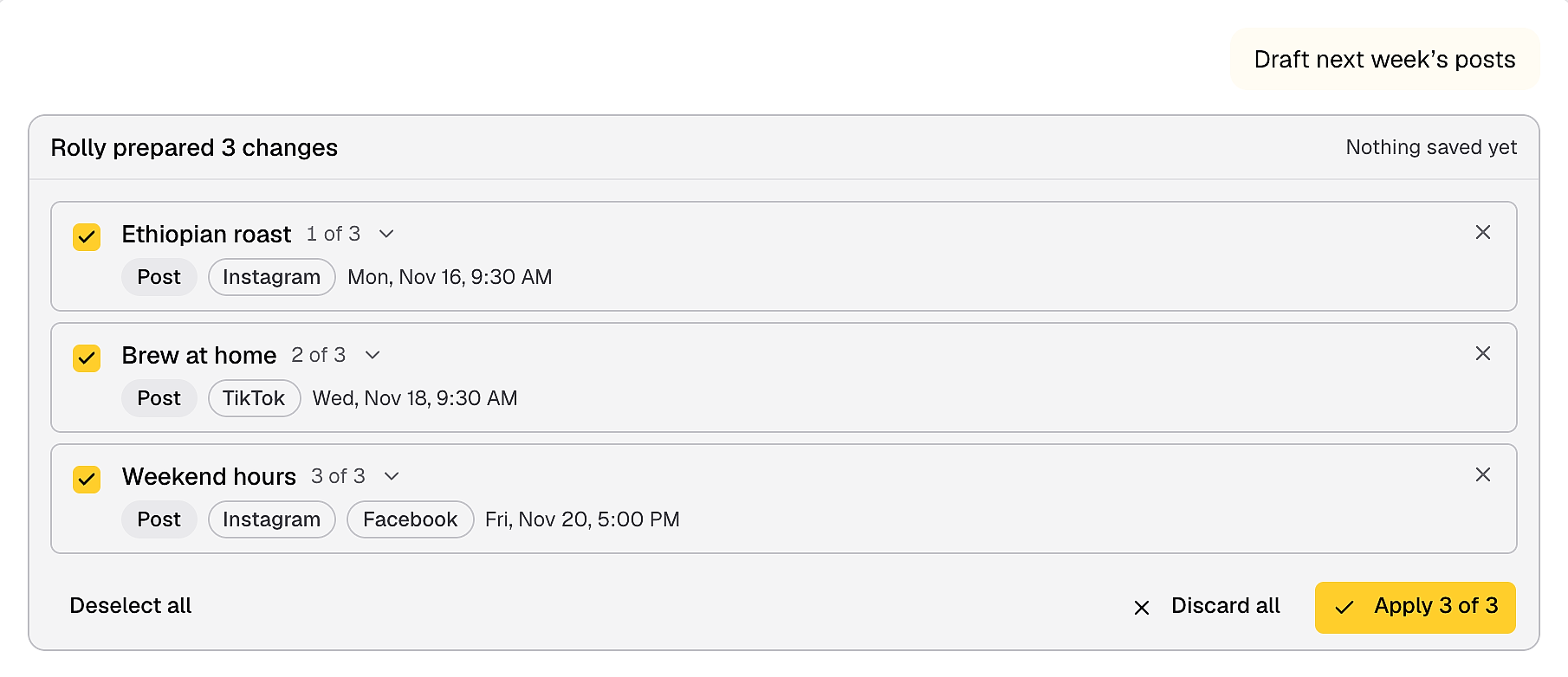
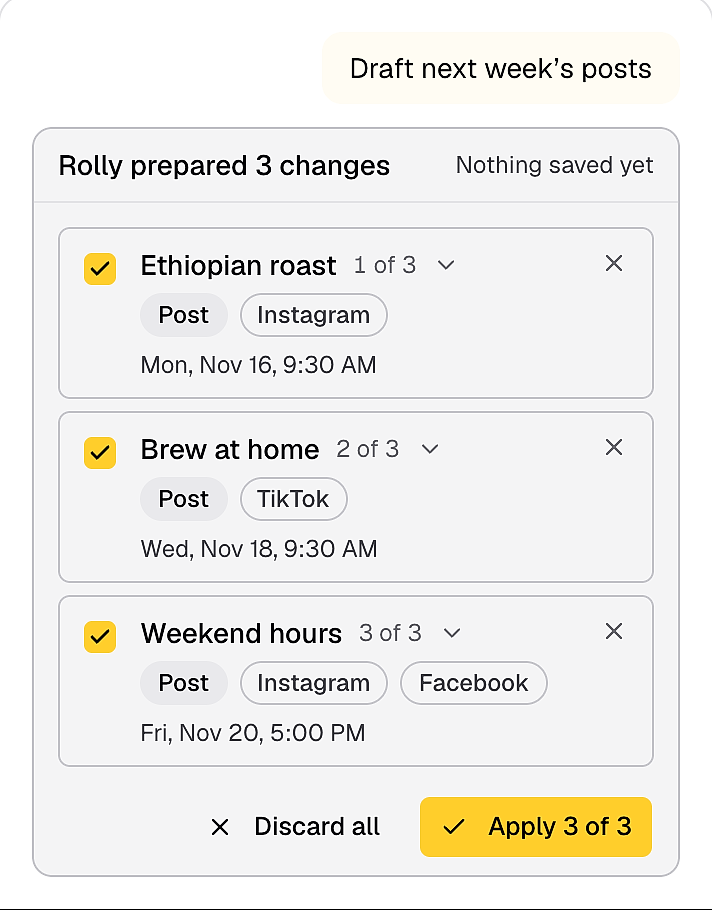
Ask for next week's posts and get drafts ready for you to review.
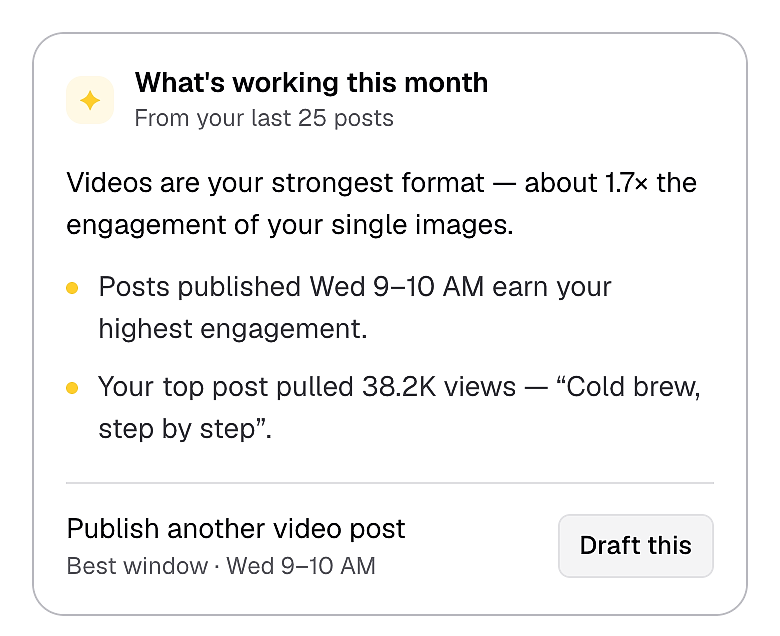
Ask what worked last month and get a plain answer, plus ideas for what to post next.
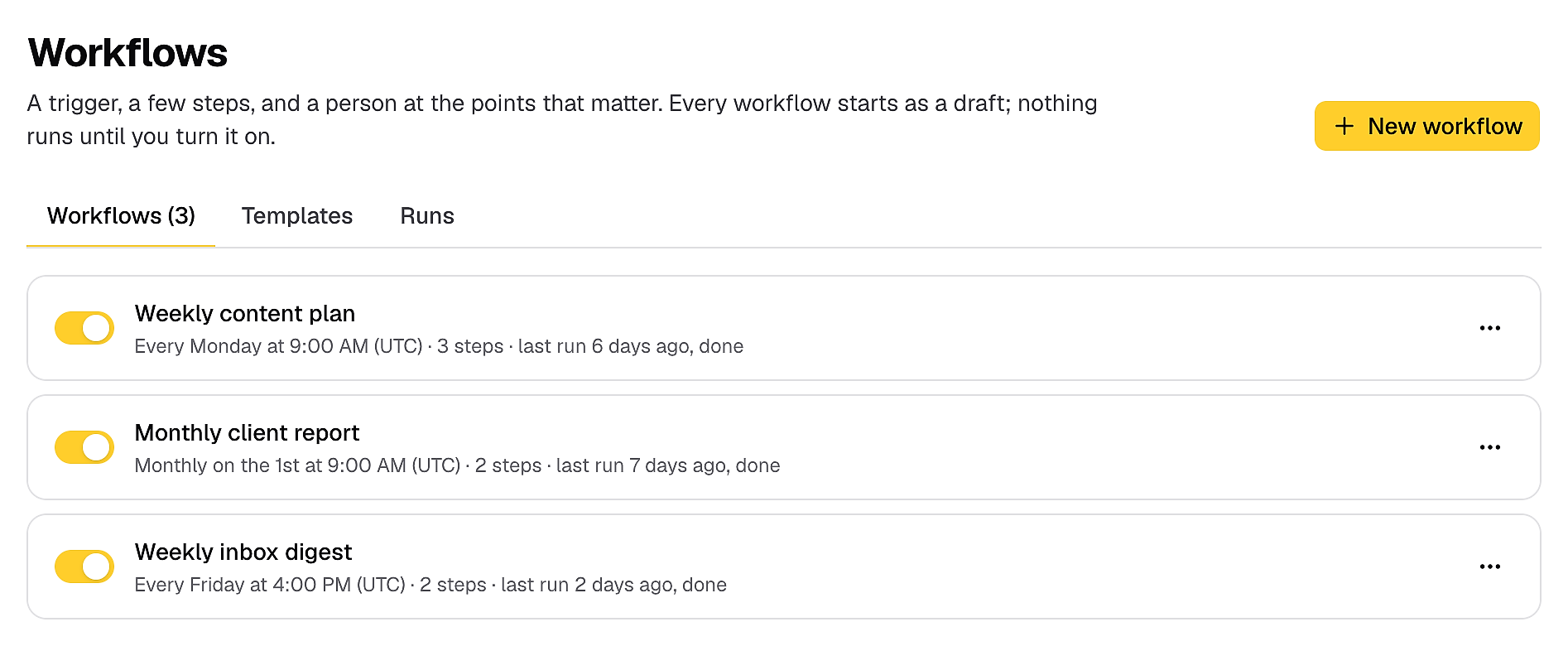
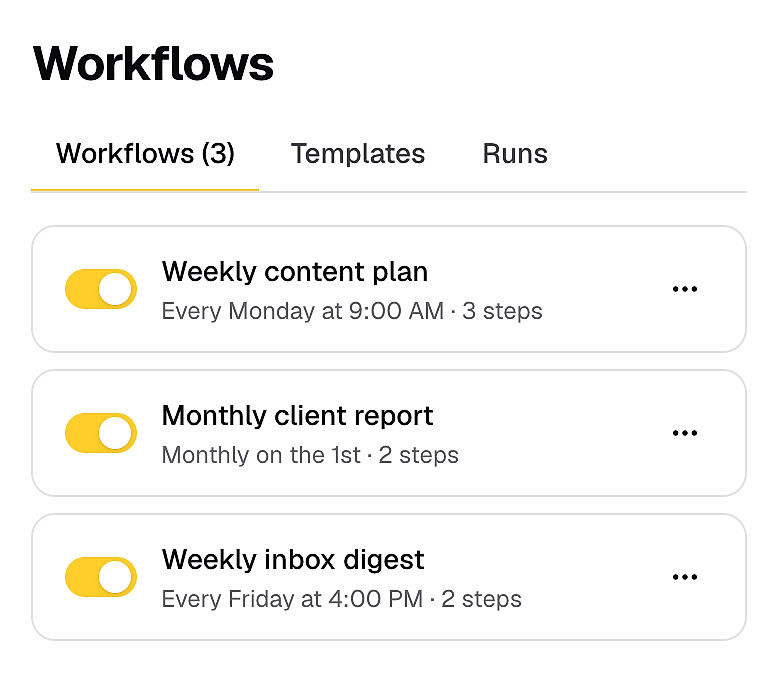
Set it up once and Rolly handles weekly jobs, like drafting Monday's posts or summing up the weekend's comments.
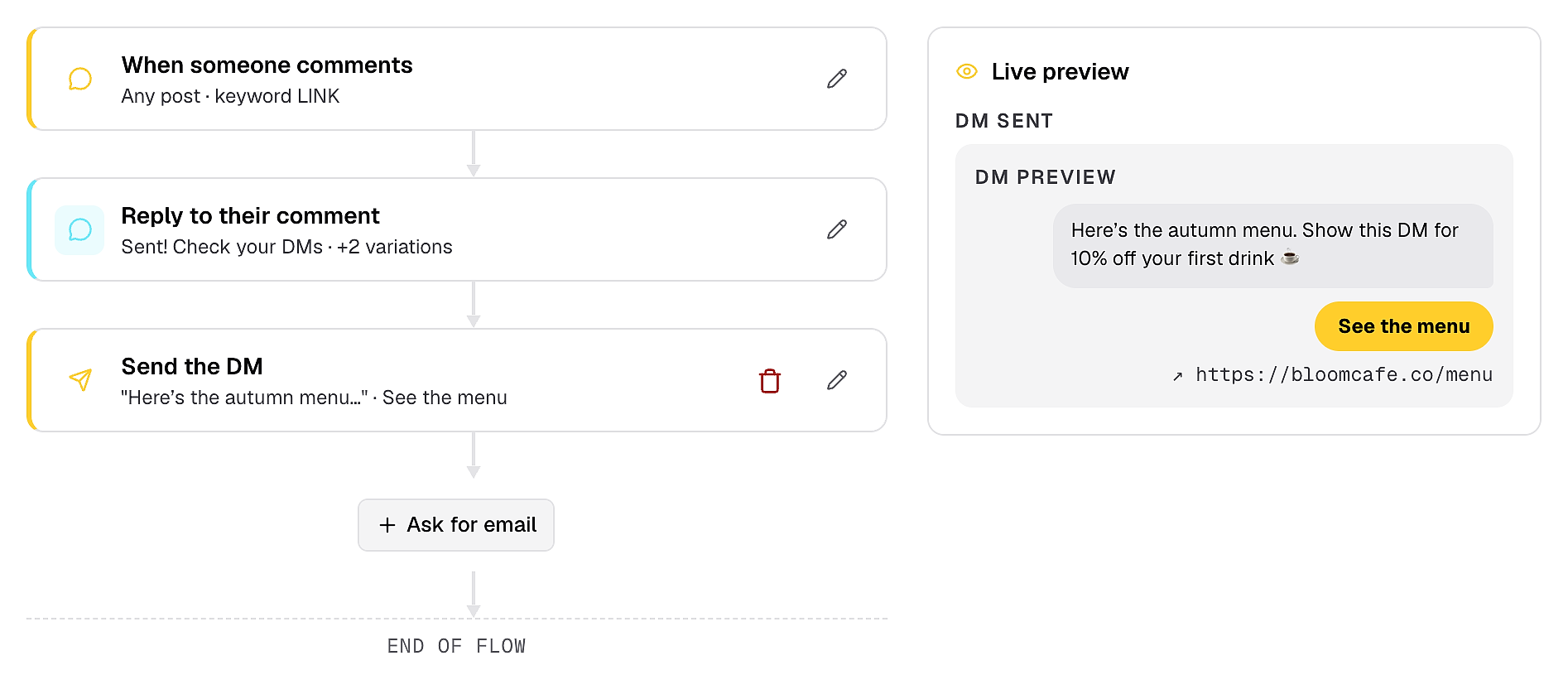
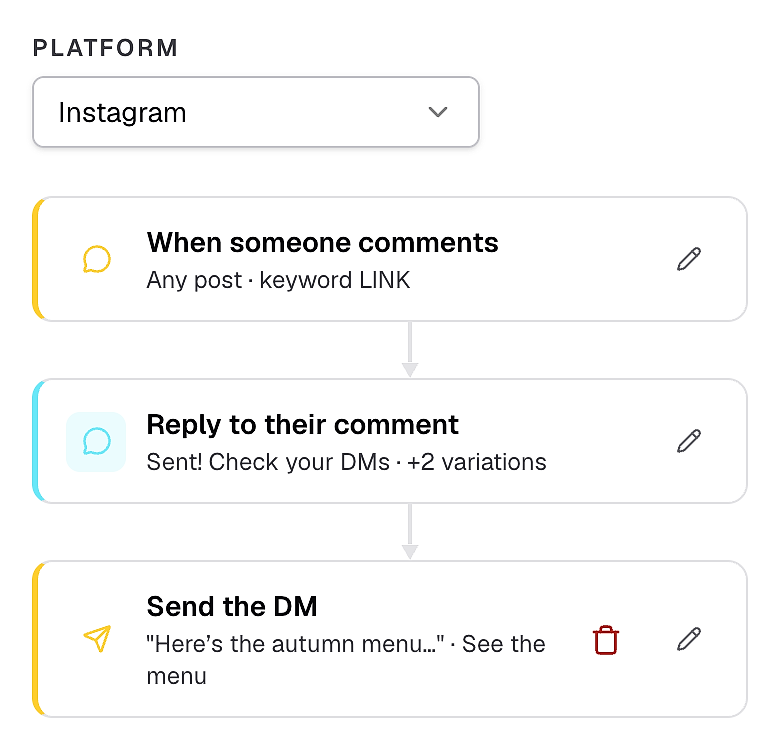
Turn comments into leads without answering each one by hand. It does what ManyChat or CreatorFlow do, inside the same app you post from.
When someone comments your keyword, they get your link in their DMs right away, so you never miss a lead. It works for Instagram story replies too.
The extra tools that save you time every week, all in the same app.
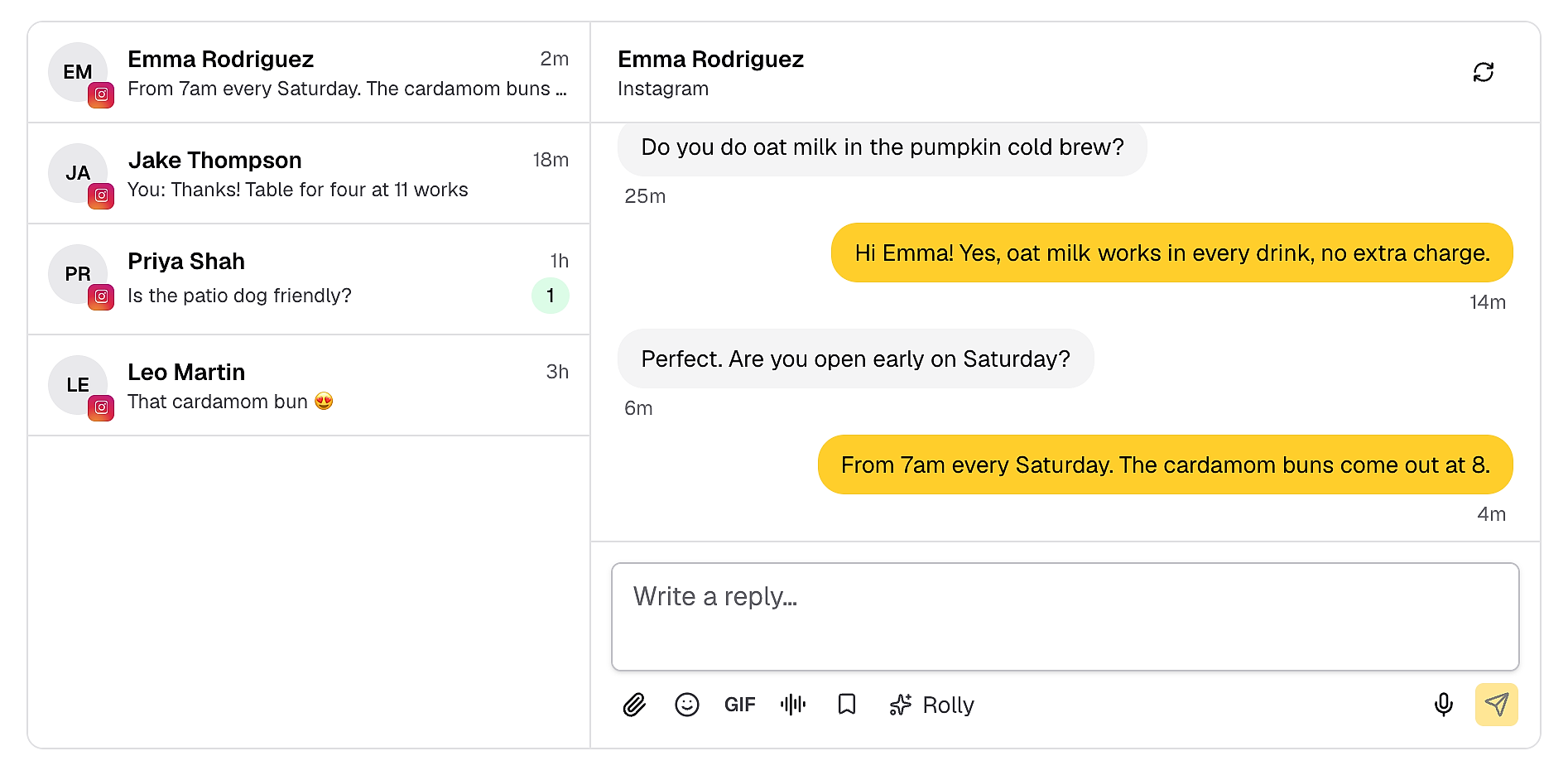
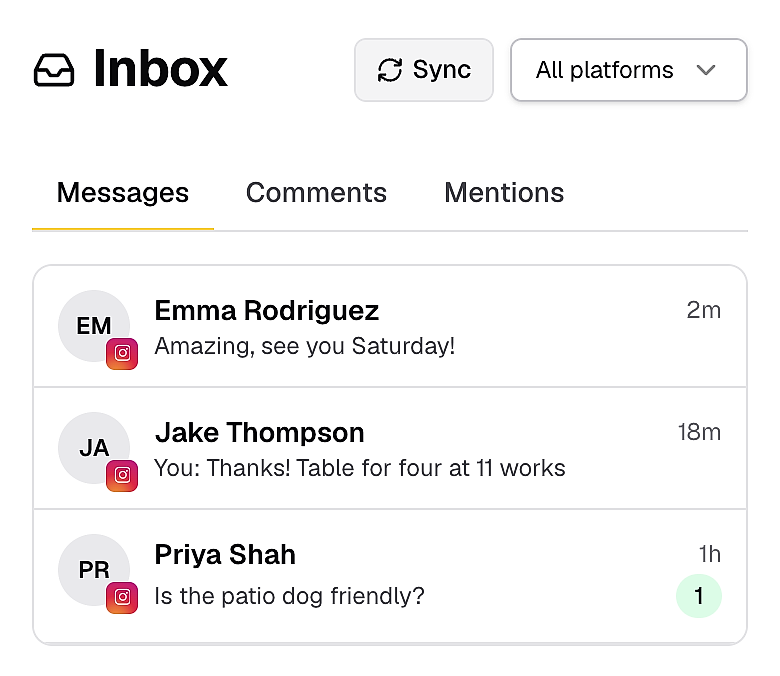
Stop switching between apps to answer people. Reply to Instagram, Facebook and Threads comments and DMs from one place.
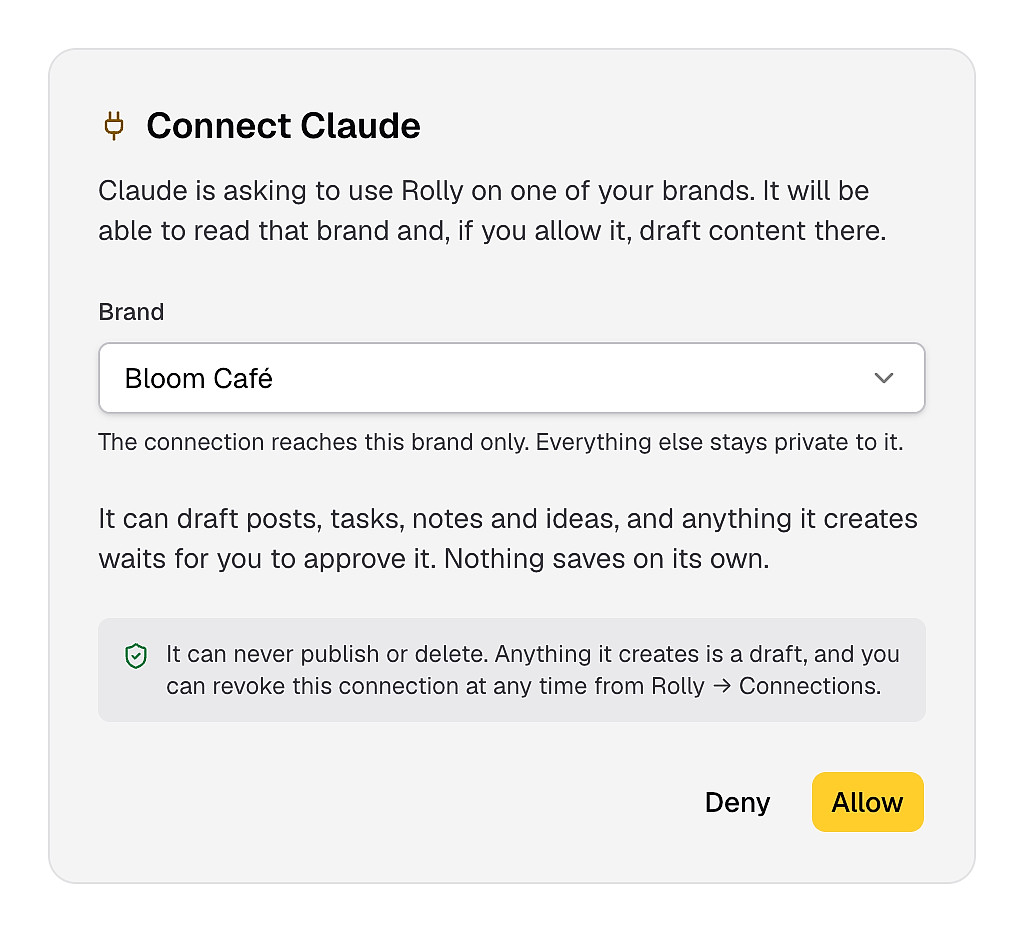
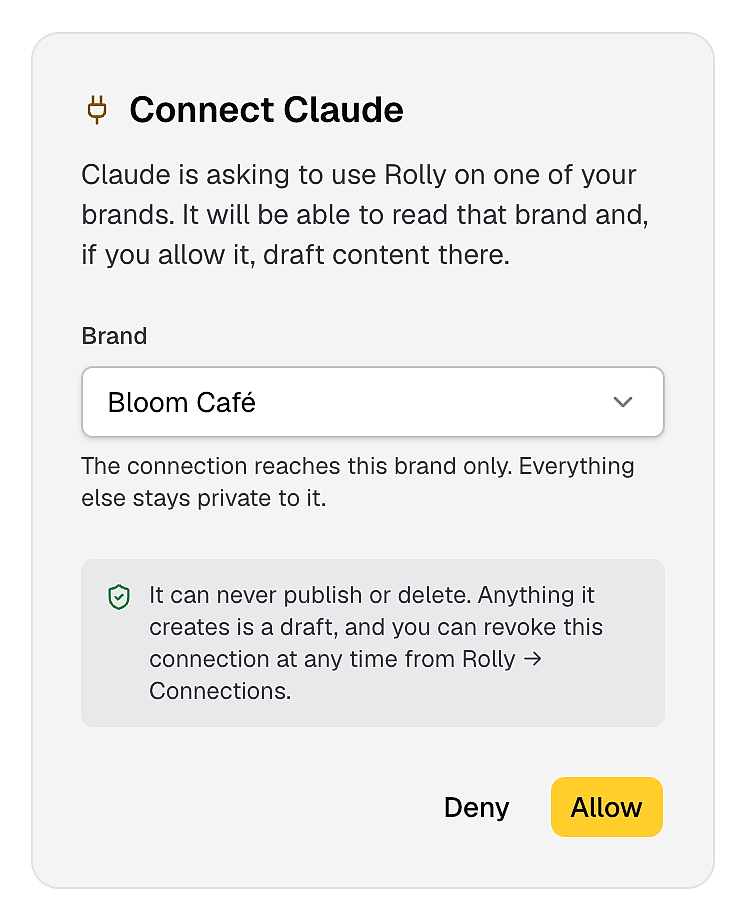
Already use Claude or ChatGPT? Ask it for this week's posts or a report, and it pulls them from SocioRolla.
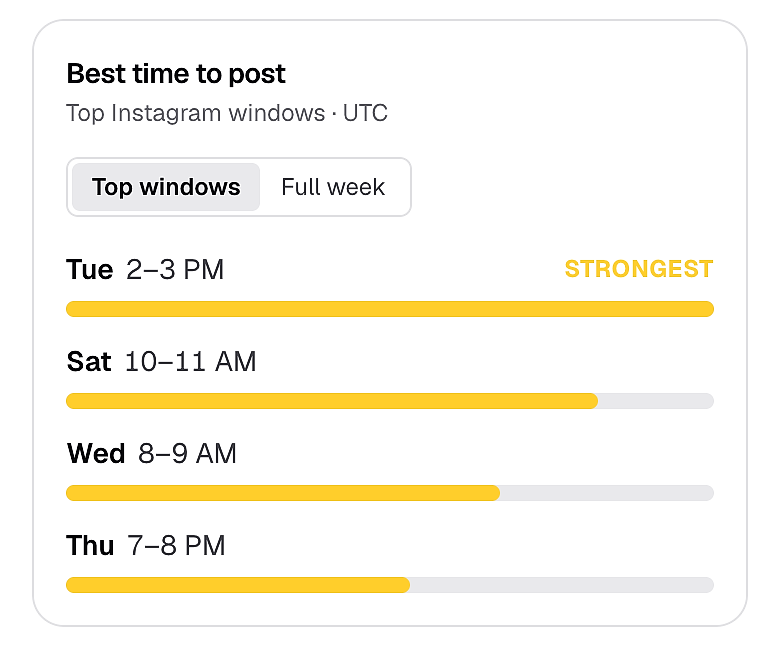
Know when to post for each brand, based on how its own posts have done.
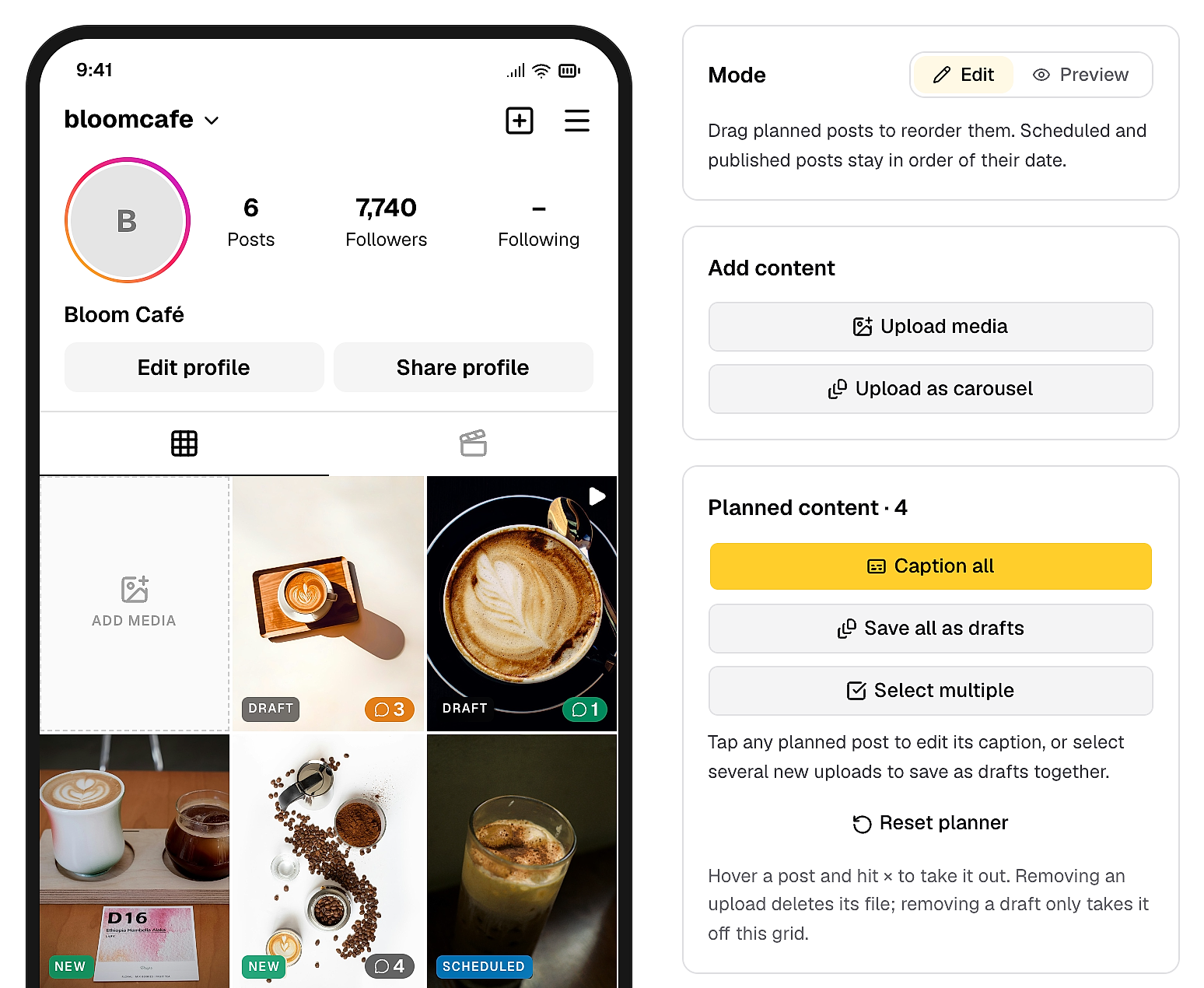
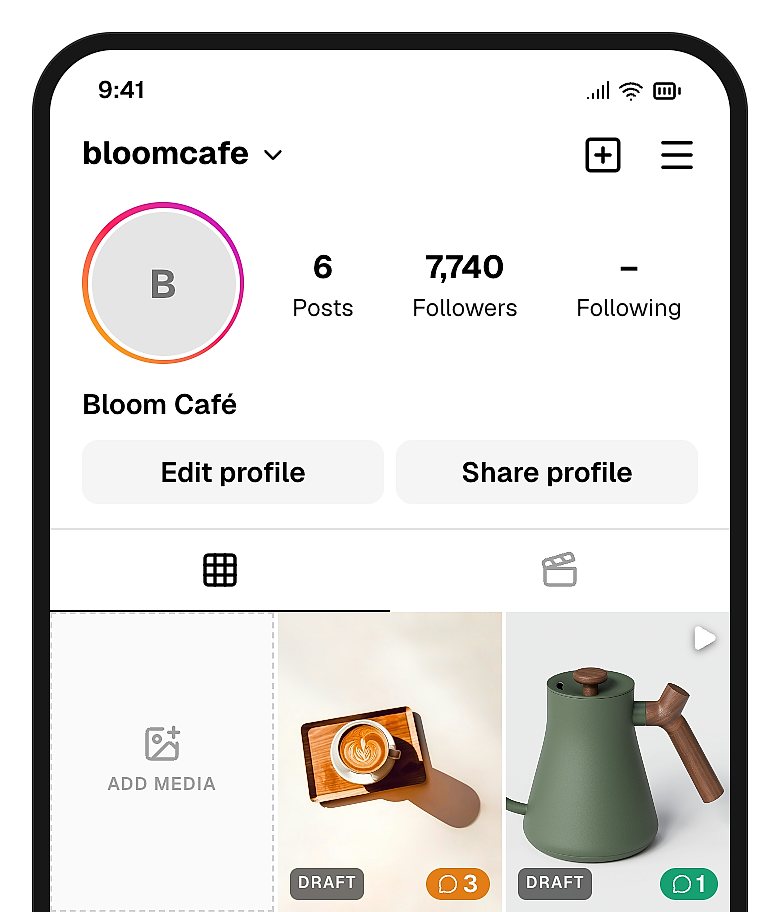
Stop designing your Instagram grid in Canva to show clients. Add your posts to the feed planner, then send clients a link to see how their feed will look.
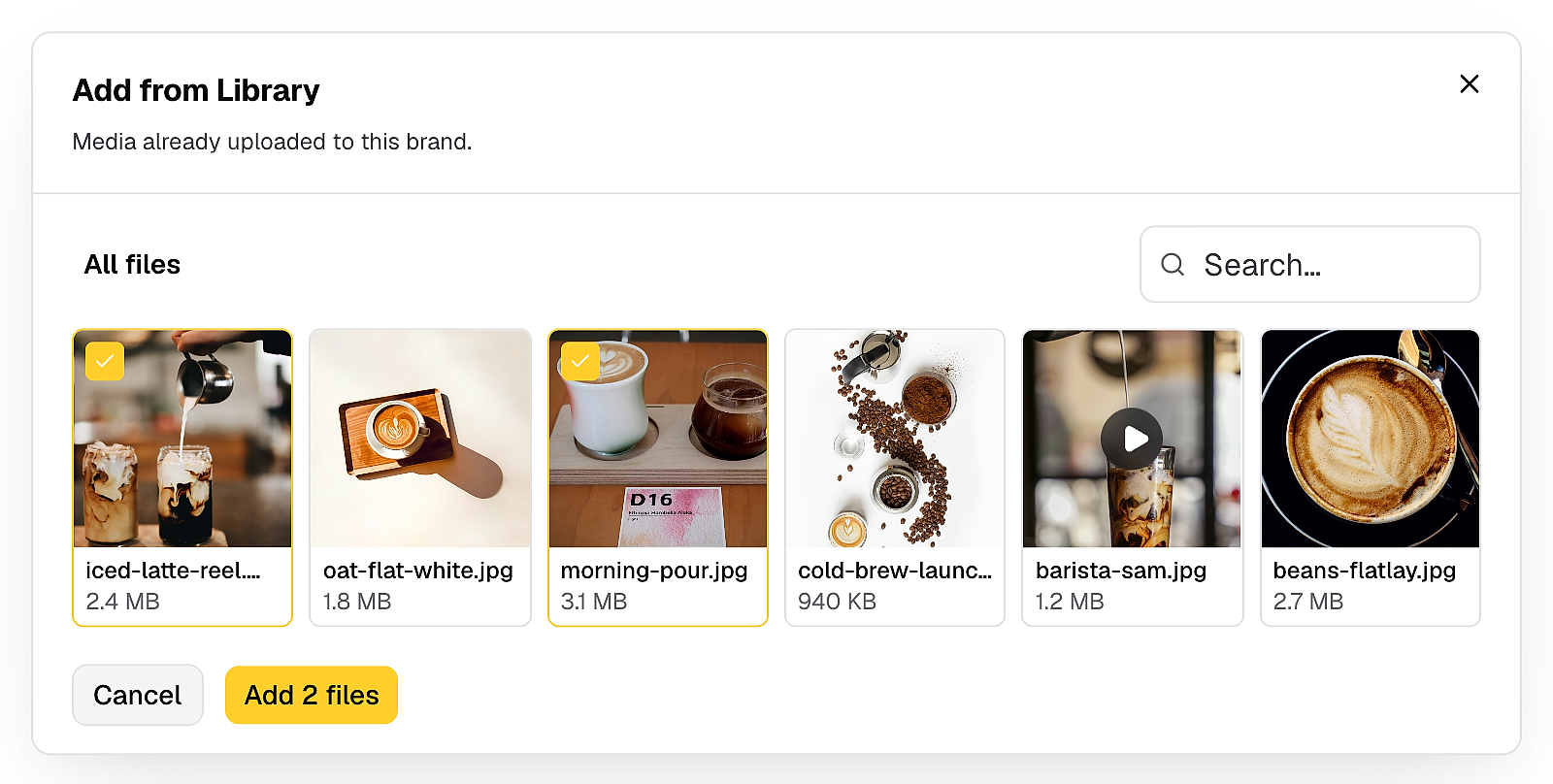
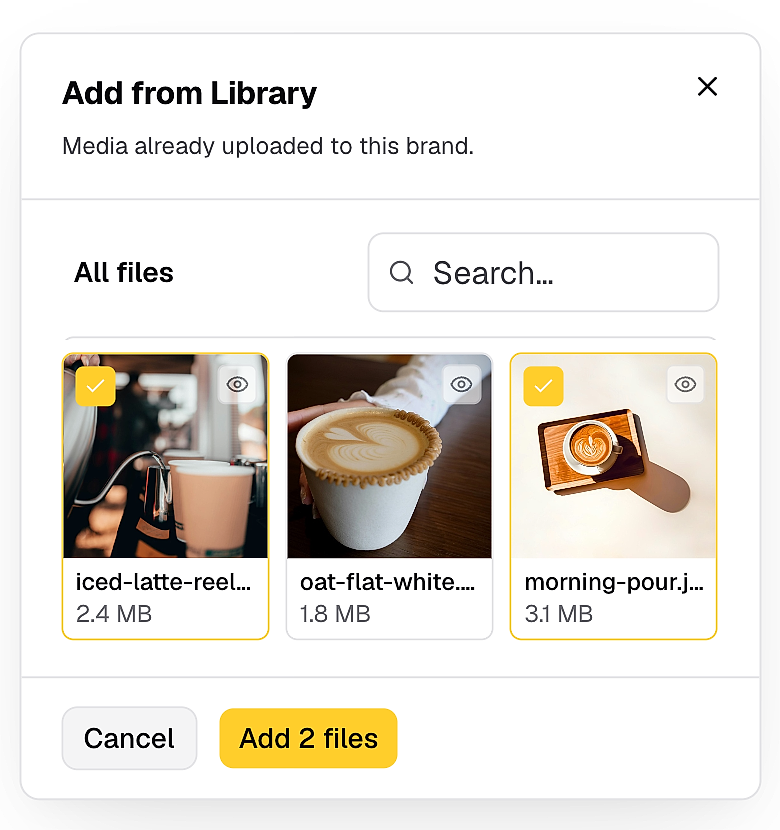
Stop downloading the same images and videos again every time you reuse them. Pick them straight from your media library when you make a post.
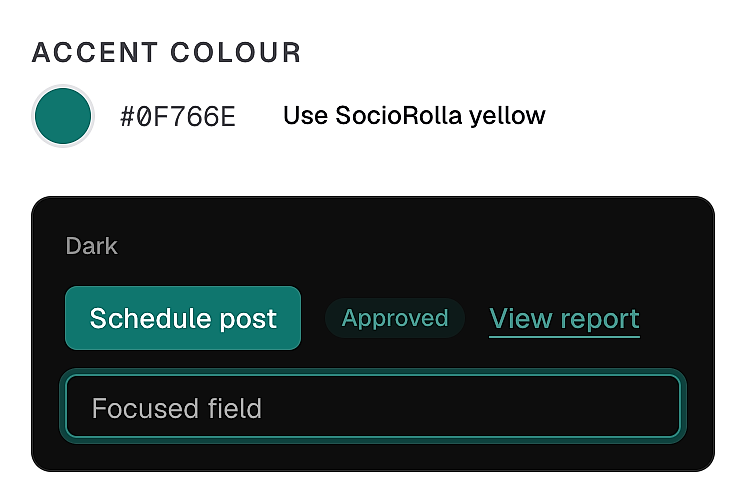
Approval links, onboarding and reports show your agency's colour, so clients see your brand. On Max.
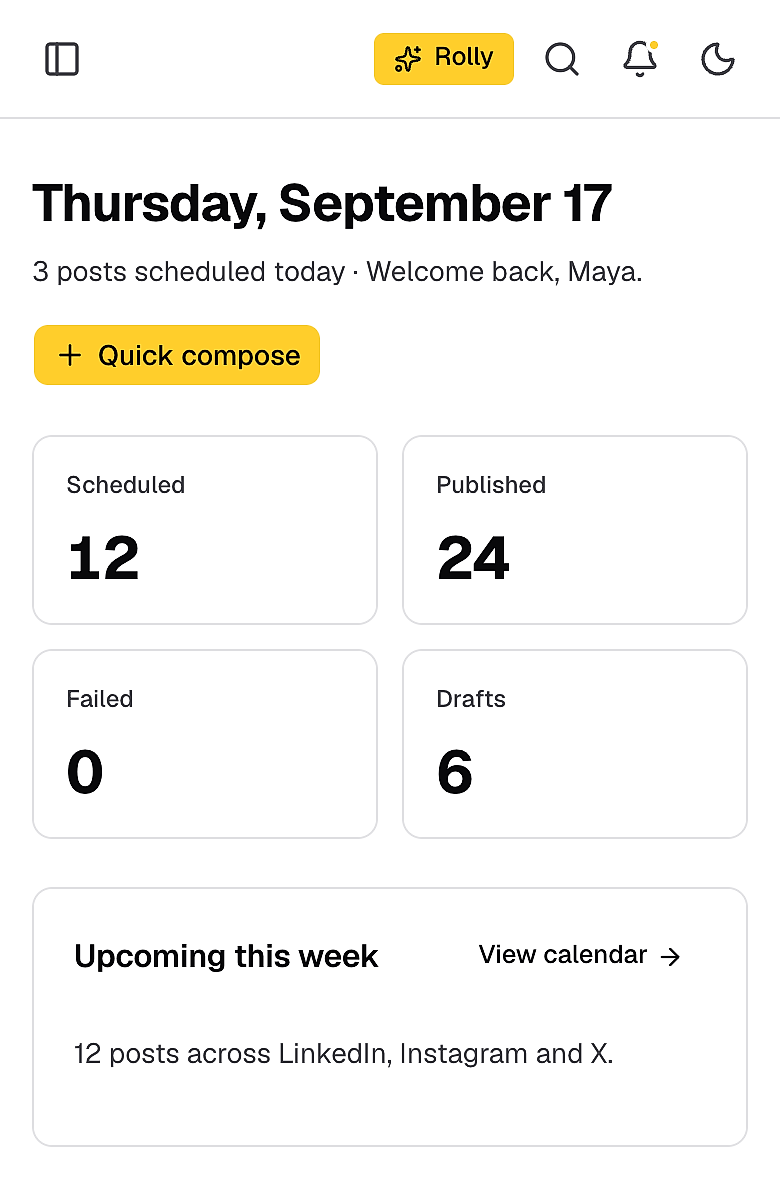
Add SocioRolla to your home screen, get a push notification when something needs you, and check the day's schedule from anywhere. No app store needed.
Move the slider to your team size and see what you'd pay for separate tools compared with SocioRolla.
You save $855 a month. Brands are unlimited on every paid plan, so only your team size changes what SocioRolla costs.
| Tool | What it’s used for | How it’s priced | Per month | |
|---|---|---|---|---|
| Buffer | $140 | Scheduling and publishing | Per channel, 15 channels | $140 |
| Planable | $295 | Client approvals | Per workspace, 5 brands | $295 |
| HoneyBook | $59 | Contracts, invoices and intake | Flat plan by team size | $59 |
| ManyChat | $195 | Comment-to-DM | Per brand account | $195 |
| AgencyAnalytics | $125 | Client reports | Per client, 5 clients | $125 |
| ChatGPT | $75 | Captions and drafts | Per seat | $75 |
| Notion | $36 | Content plans and briefs | Per member | $36 |
Reviews from Trustpilot and Google, in their own words.
SocioRolla is honestly one of the best social media management tools out there. It brings everything together in one place, from connecting multiple social media platforms and cross-posting content to generating detailed client reports and simplifying social media management. It saves time, makes work easier, and takes so much stress out of managing multiple accounts. Highly recommended for anyone in social media management.
Sociorolla is such a great tool! I honestly wish I’d found it sooner. Managing multiple social media accounts used to be so stressful, but having everything in one place makes life so much easier. It’s simple to use, saves loads of time, and just takes the stress out of managing different accounts. Genuinely impressed and would definitely recommend it!
As a hair business owner and a professional hairstylist. Sociorolla have made my teams job easy by making sure that we’re all on the same page and seamlessly run our social media presence without the use of multiple tools. This team meticulously put this tool together to make my work life so easy.
The experience so far is mind blowing. We cant wait for the launch.
As a social media manager, I have used different applications for social media workflow, but none seems to have worked well, and I kept switching and switching. And I laid my hands on Sociorolla. It's everything a social media manager needs. I don't have to open 5 different applications just to work with a single client. I don't have to be chasing my client for approvals. I can even save my ideas as drafts on Sociorolla, so I won't forget. Truly, Sociorolla is the No. 1 social media management tool in Africa. I hope the news of it reaches far and wide. All over the world!
This is unprecedented, using a tool that makes your life easy or saves you time when it comes to social media efficiency and coordination. Sociorolla is so good to the point where if you're not using it in 2026 and beyond you're missing out.
As a Social Media Marketer, I’m always looking for ways to work smarter and be more efficient, and this platform has been such a refreshing discovery. From content planning and scheduling to client management, analytics and so many other amazing features, it just brings so much together in one place. I really appreciate how much thought and care went into creating this platform. It shows that it was built by people who truly understand the everyday needs of social media managers. I call it the Social Media Manager’s Best Friend, and that’s exactly what it is ☺️ This is the future of social media management!!! And if you’re a social media manager looking to improve your workflow and work more efficiently, SocioRolla is definitely worth exploring. I’ll definitely recommend it! 💯
I’ve been using Sociorolla, and honestly, it’s making my life as a social media manager so much easier. Here’s what I love about it: 1. Scheduling & Analytics: I can plan and schedule content across multiple platforms, analyse posts from the past 10, 20 or 30 days, and generate client reports without leaving the app. 2. Canva Claude & ChatGPT Integration: I love that I can connect both tools and bring my existing creative workflows into one workspace. 3. Rolly AI: Once it understands your brand voice, it can help create content that actually sounds like your brand, including captions and content ideas. 4. Project & Campaign Planning: I can organise projects, plan campaigns and manage multiple clients without juggling different tools and folders. There’s also a new client onboarding feature I’m yet to explore, but I’m looking forward to trying it out. What I love most about Sociorolla is that it brings so many essential social media management tools together in one place. Less switching between app, unnecessary stress and a much smoother workflow. If you’re a social media manager or run an agency, I’d definitely recommend giving it a try.
I am new to content creation and social media management, and SocioRolla has really made my growth experience easier. From scheduling to metrics analysis to the AI feature (Rolly), which is my favorite feature...SocioRolla is what it is. It is just too good and easy to adapt compared to other tools I tried using. Would I recommend this? Definitely YES!!
I’m particularly impressed with Sociorolla. It has made planning and publishing content across multiple social media platforms seamless and more efficient. Honestly, I wish a product like this had been available much earlier. I highly recommend Sociorolla to every Social Media Manager looking to simplify content management and streamline their workflow. Well done Team SR.
Still wondering something? Talk to a human
SocioRolla is more than a scheduler, it’s an operating workspace. You can plan campaigns, take notes, onboard clients, send analytics report, set up automations, and even manage projects, without having to use multiple apps.
Instagram, Facebook, LinkedIn, Threads and TikTok today. Connect a channel once and SocioRolla formats every post to fit it.
Yes, SocioRolla is built for it. Switch brands from a single workspace, each with its own voice, channels, calendar and team.
Choose posts that require approval and it gets assigned to the right reviewer automatically. Clients approve from a link, no login needed, and nothing publishes without a yes.
Your AI assistant Rolly compose drafts and tailors copy in your brand voice, but you're always in the driver's seat. Edit, regenerate, or write from scratch.
Anytime, no phone call required. Your scheduled posts keep their place until the end of the billing period.
Bring one brand or twelve; SocioRolla helps you keep up.
 SocioRolla
 Buffer
 Planable
 HoneyBook
 ManyChat
 AgencyAnalytics
 ChatGPT
 Notion


