
Creating and scheduling
Fit photos and videos to each platform, give each platform its own time, keep unfinished posts as drafts and plan the month on the calendar. Start with creating your first post if you haven’t yet.
5 articlesUpdated 16 Oct 2026
- Crop photos, choose video covers and add alt textFit a photo to the shape you want, pick the frame a video opens on, and describe images for people using screen readers.4 min read
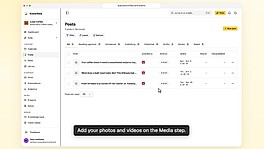
- Publish at a different time on each platformSend one post to several platforms and give each its own day and time.3 min read
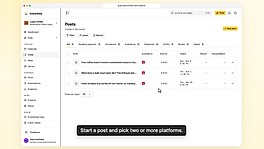
- Save a post as a draft and finish it laterKeep a post you are still working on, find it under Drafts, and schedule it when it is ready.3 min read
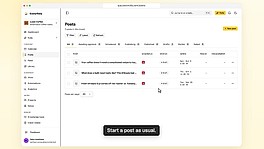
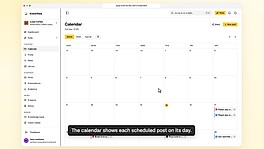
- Plan and reschedule posts on the calendarSee every scheduled post by day, move one by dragging it, and start a new post on the day you want.3 min read
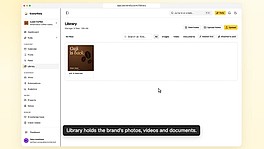
- Keep your photos and videos in the LibraryStore each brand's files in folders, find them again, and reuse them in any post.3 min read