
Write it once and it publishes on every platform
One composer for all your connected accounts with custom media and scheduled times to help you post within 5 minutes.
What it takes off your hands
- The same caption pasted into five tabs
- Finding out about the character limit from the platform
- A client approving posts over email
- Checking each app to see whether it actually went out
- One post, one place, all platforms
- The limit counted while you write
- Approve from the post itself, or from a link
- A status per platform, and a reason when one refuses
Post to all your accounts in three steps
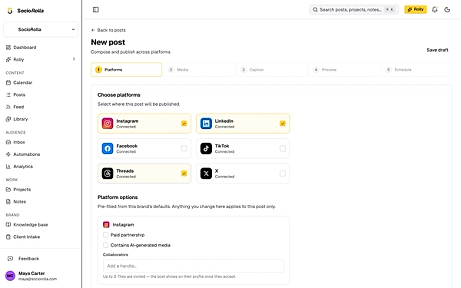
Pick the platforms
Only the accounts you have connected show up.
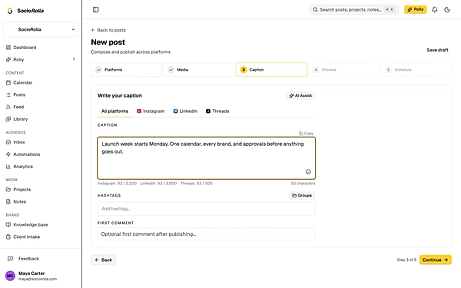
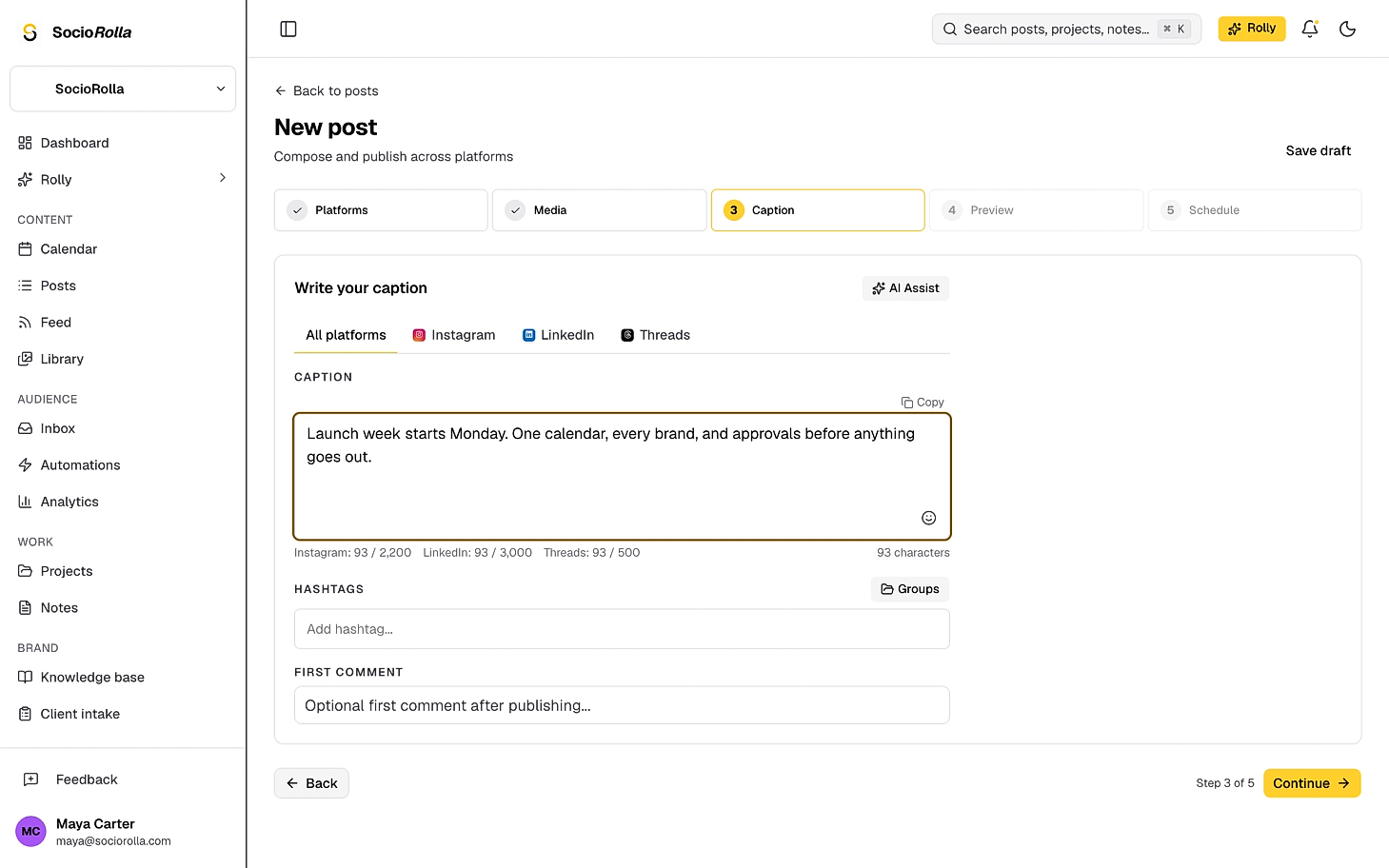
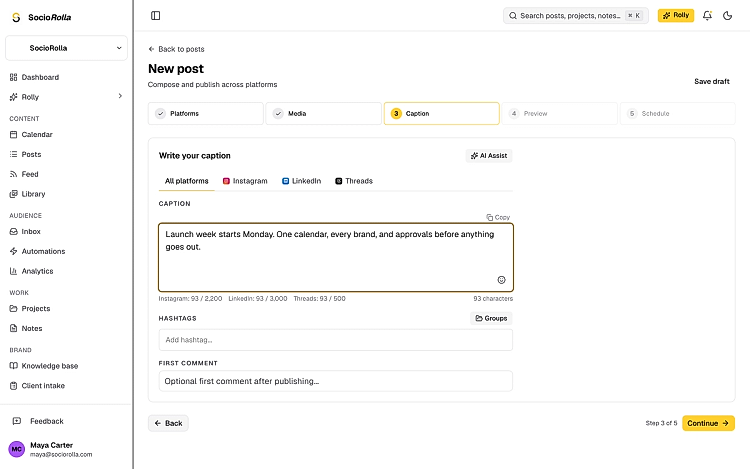
Write it, once or per platform
One caption for everything, or a tab per platform when Threads needs it shorter than LinkedIn. Hashtags and a first comment sit under it.
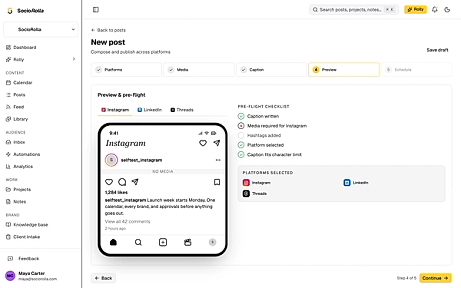
See it, then send it
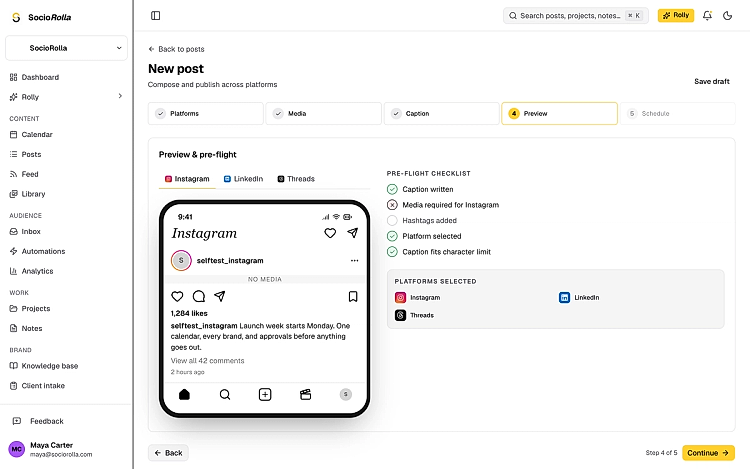
The preview shows each platform as it will look, beside a pre-flight that will not let a post out with a caption over the limit or media missing where it is required.
Write a specific caption for each platform
A tab per platform. Write there and it overrides the main caption; leave it blank and the main one is used. Media works the same way.
- A different caption, or the same one everywhere
- Different media per platform, or one set for all
- Hashtags in their own field, not buried in the caption
- A first comment, posted after the post lands
- Up to three Instagram collaborators
Nothing goes out half-built
Caption written
There is something to post.
Media where it is required
Instagram and TikTok will not take a text-only post.
A platform selected
At least one place for it to go.
Caption inside every limit
Over the limit blocks the post. Nothing is silently cut short.
Approval, when the work needs it
Each post is set to publish on its own or to wait for a person, on the last step.
Requires approval
Held until a teammate or the client approves, then it publishes at its time. A client approves from a share link, with no account to create.
Auto-post
Goes out at the scheduled time with nobody in the way. The brand can default to either, so the usual case is one click.
Reviewers can approve, reject, or ask for changes with a note. Nobody approves their own post unless they own the workspace.
When a platform says no
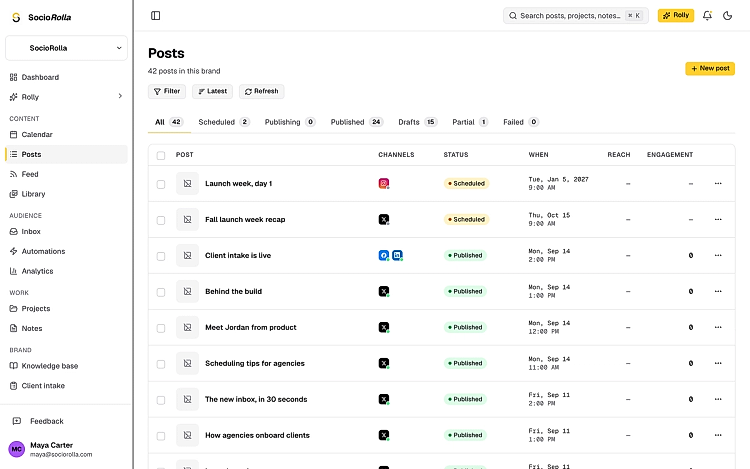
One platform failing does not take the others down with it. The post is marked partial, and you can see exactly which one refused and why.
- Retry the platforms that failed, in one click
- Or drop them and keep the post as published
The AI sits in the caption box, ready whenever you need it
Four tools, and you spend a call only when you ask for the answer.
Generate caption
Writes from your brief, or from the image you just added.
Improve writing
Tightens what you wrote, keeping your voice.
Repurpose
Rewrites it for another platform you have connected.
Suggest hashtags
Fills the hashtag field, not the caption.
On Pro and Max. Everything else on this page is on every plan.
Everything in the composer
- All platforms from one post
- Per-platform captions and media
- Hashtag groups you save and reuse
- A first comment, where the platform allows one
- Media from your library, your computer, Google Drive or Canva
- A cover frame you pick for a video
- Instagram and Facebook placements: feed, Reel or story
- TikTok direct post, or sent to your TikTok drafts
- Drafts that save themselves as you go
Publishing questions
Yes. The caption step has a tab per platform: write an override there and it wins on that platform, leave it blank and the main caption is used. Media works the same way.
Keep exploring
Manage accounts without the overwhelm
Bring one brand or twelve; SocioRolla helps you keep up.